If you’ve ever disconnected your Jeep’s battery or replaced the infotainment system, you’ve probably been greeted with a frustrating prompt: “Enter Security Code.” This is your Jeep Uconnect security code—a built-in anti-theft feature designed to protect your vehicle’s radio and touchscreen system. But what if you don’t have it? Don’t panic. This 2025 guide walks you through every legitimate, safe, and manufacturer-approved way to retrieve or reset your Uconnect PIN—without guesswork or shady online generators.
Whether you drive a Wrangler, Grand Cherokee, or Compass, this step-by-step resource covers official methods, common pitfalls, and expert tips to get your system back online quickly.
Why Does Uconnect Require a Security Code?
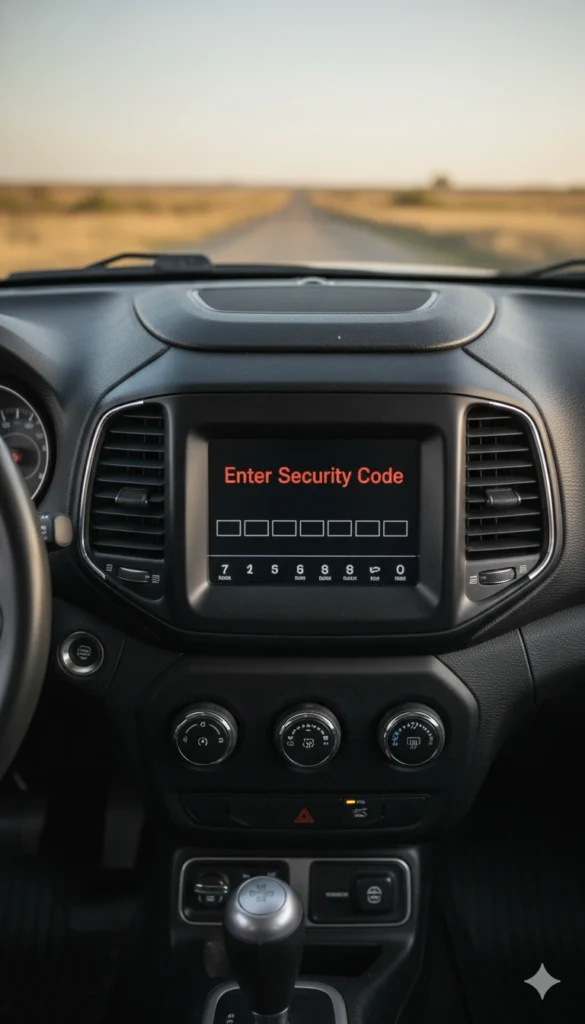
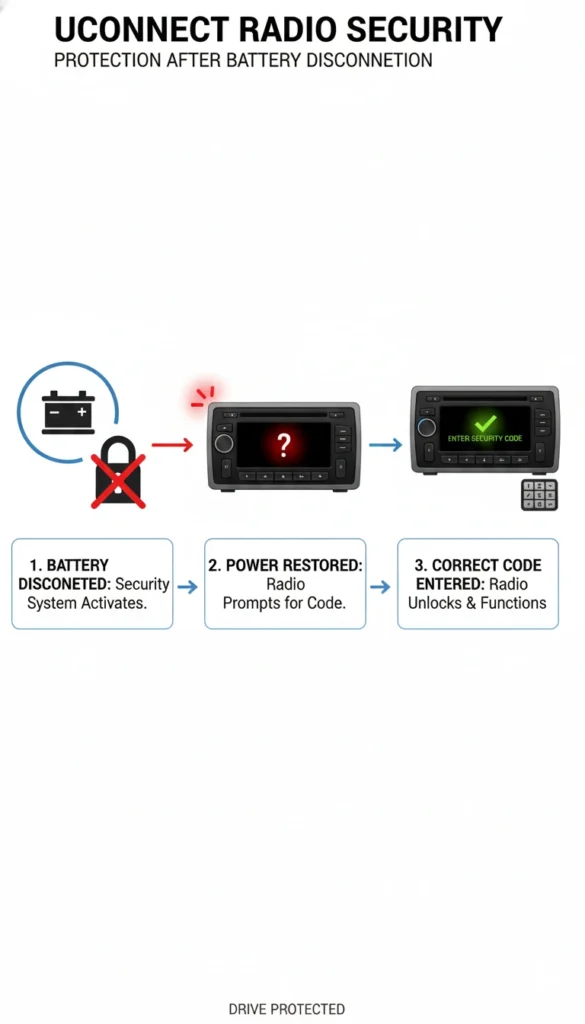
The Uconnect security code is part of Jeep’s anti-theft protocol for the infotainment system. When the vehicle’s battery is disconnected—even briefly—the system assumes it may have been tampered with or stolen. To prevent unauthorized use, it locks the radio, navigation, and touchscreen features until the correct 4-digit code is entered.
This isn’t a glitch—it’s intentional. While it can be inconvenient, it protects your vehicle’s electronics from being reused in another car. The code is unique to your VIN (Vehicle Identification Number) and tied directly to your Jeep’s factory-installed Uconnect unit.
Understanding this helps you avoid risky “hacks” or third-party code generators, which often don’t work and may violate your warranty.
Official Ways to Retrieve Your Jeep Uconnect Security Code
Jeep provides three reliable, warranty-safe methods to recover your code:
1. Check Your Owner’s Manual or Documentation
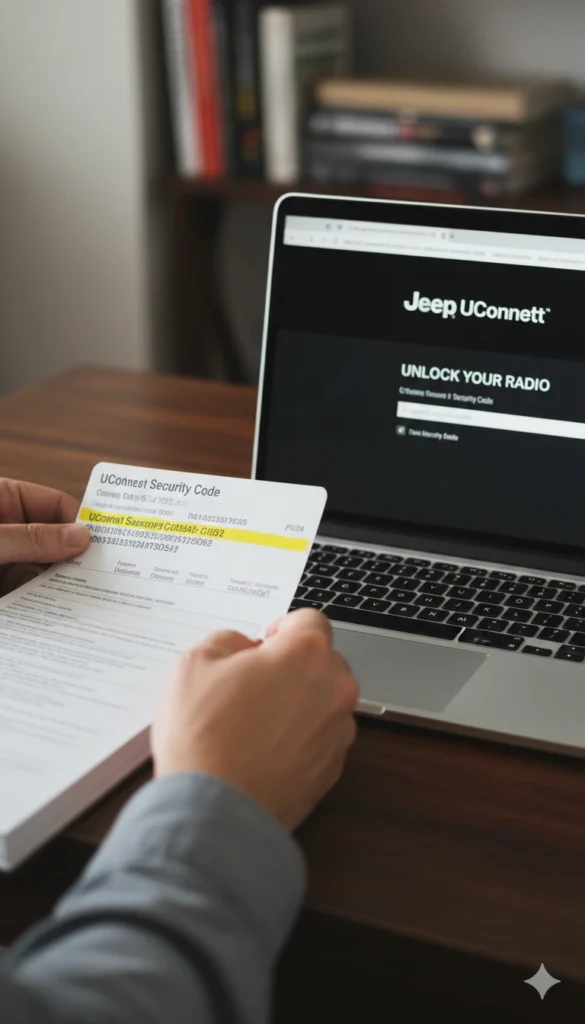
Many Jeep owners overlook the simplest solution: the paperwork that came with the vehicle. The Uconnect security code is often printed on a small card tucked inside the owner’s manual or glove compartment. Look for a label that says “Radio Security Code” or “Uconnect PIN.”
2. Use the Official Jeep Uconnect Website
Once verified, you can request your security code directly through the portal. This method typically delivers the code instantly or within 24 hours via email.
3. Contact Jeep Customer Care or Your Dealer
Call Jeep Customer Support (1-844-533-7934) or visit your local authorized dealer. Provide proof of ownership (registration, VIN, driver’s license), and they’ll issue your code. Most dealers can provide it the same day—sometimes while you wait.
⚠️ Avoid unofficial websites claiming to “generate” your code. These are scams and may harvest your VIN or install malware.
How to Reset or Change Your Uconnect PIN
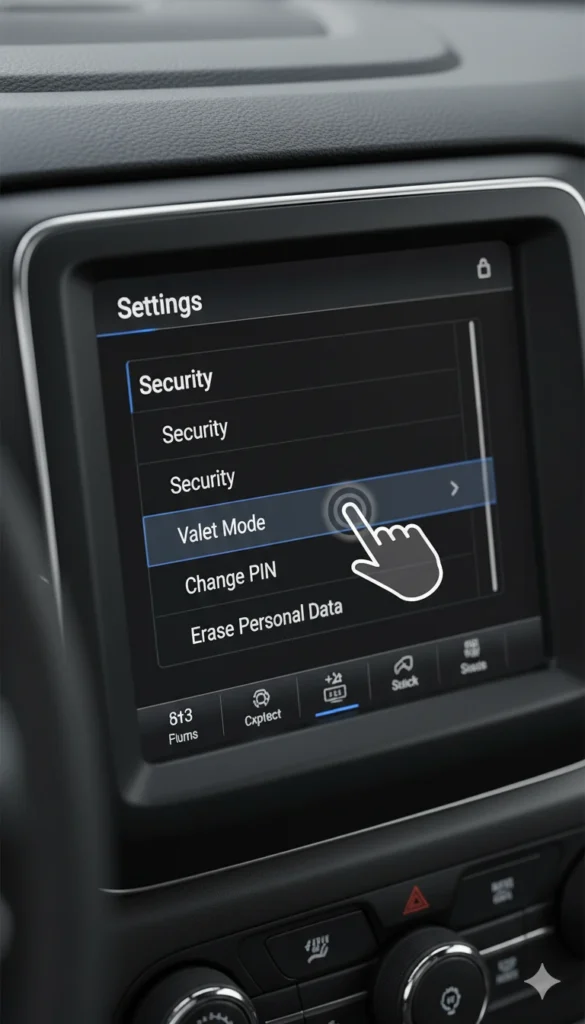
Once you’ve entered the original security code, you can change your Uconnect PIN for future convenience:
- Turn on your vehicle (ignition in “Run” mode).
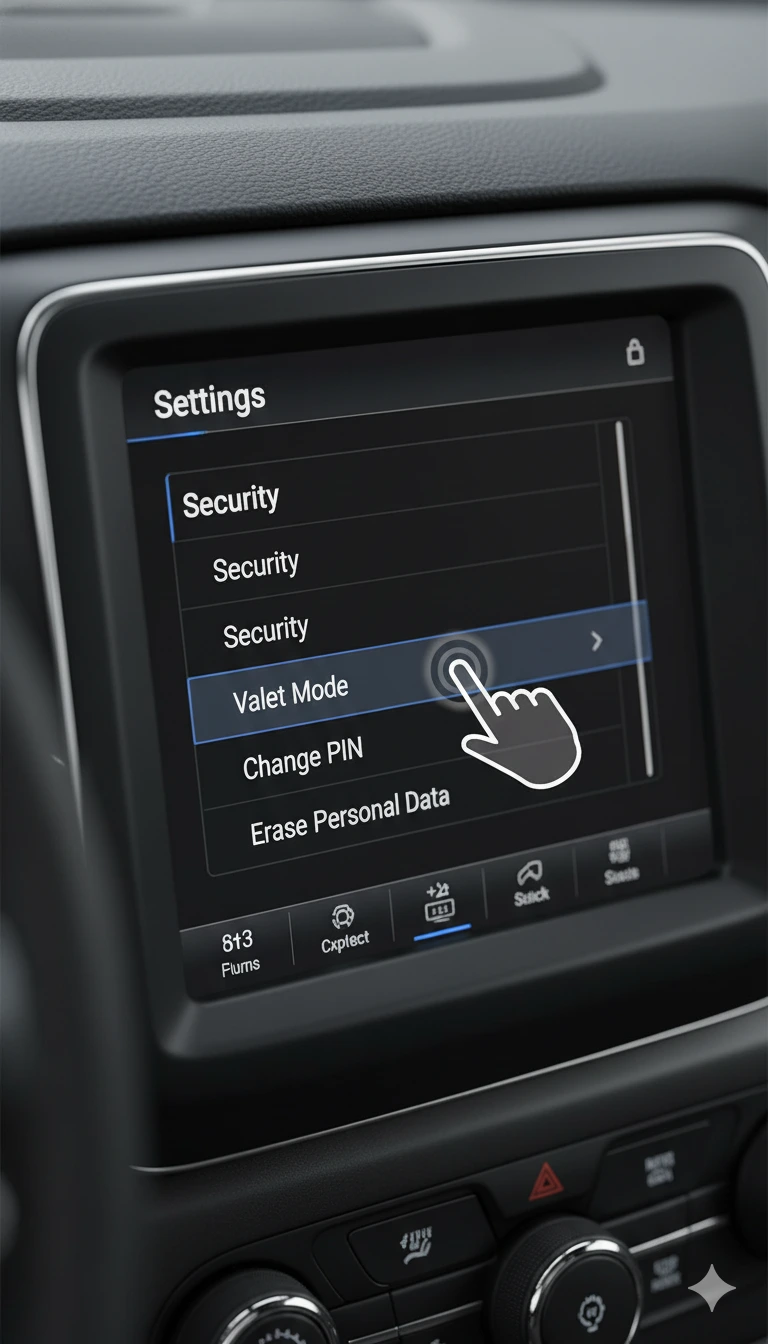
- On the Uconnect touchscreen, go to Settings > Security > Change PIN.
- Enter the current 4-digit code.
- Input your new 4-digit PIN (avoid obvious combos like 1234).
- Confirm the new PIN.
This new code will be required if the system locks again. Store it in a secure place—like your phone’s password manager or a locked glovebox note.
Note: If you forget your new PIN, you’ll need to repeat the retrieval process using your VIN. Uconnect doesn’t store user-created PINs on their servers.
Common Mistakes That Trigger the Security Lock
Many Jeep owners accidentally trigger the Uconnect lock without realizing it. Common causes include:
- Battery replacement or jump-starting – Even a brief power loss resets the system.
- Aftermarket stereo installation – Disconnecting the factory unit activates the lock.
- Software updates or resets – Some Uconnect updates require re-authentication.
- Long-term vehicle storage – If the battery drains completely, the system locks.
To prevent future lockouts, always keep your security code in a safe, accessible place. Consider saving it in your phone (with a note like “Jeep Code – DO NOT DELETE”) or laminating a copy in your glovebox.
Also, if you’re buying a used Jeep, ask the seller for the Uconnect code upfront. If they don’t have it, request it from the dealer before finalizing the purchase.
FAQs:
1. Where is the Jeep Uconnect security code located?
It’s usually in the owner’s manual packet, on a small card. If missing, retrieve it via driveuconnect.com or your dealer using your VIN.
2. Can I reset my Uconnect PIN without the code?
No. The original factory code is required to unlock the system before you can set a new PIN.
3. Why does my Jeep Uconnect ask for a security code?
It’s an anti-theft feature triggered by power loss (e.g., battery disconnect). It protects your infotainment system from unauthorized use.
4. How long does it take to get a Uconnect code from Jeep?
Online requests via driveuconnect.com often deliver the code instantly. Dealer requests may take minutes to a few hours.
5. Is the Uconnect security code the same as the radio code?
Yes. In Jeep vehicles, the Uconnect security code is the radio anti-theft code—it unlocks both the touchscreen and audio system.
My Opinion: Why This Process Needs to Be Simpler (But Still Secure)
As someone who’s helped dozens of Jeep owners navigate this frustrating lockout, I believe Stellantis (Jeep’s parent company) has the right intention—but the execution needs refinement. The security code system is effective against theft, but it’s overly punitive for everyday owners doing routine maintenance like battery swaps.
In 2025, with cloud-connected vehicles and digital ownership records, Jeep could easily implement a more seamless verification method—like two-factor authentication via the Uconnect mobile app. Until then, the current process works, but it demands patience and documentation.
My advice? Don’t wait for a lockout. Retrieve your code today using driveuconnect.com and save it digitally. A 2-minute task now can save you hours of stress later. And if you’re a dealer or service center, proactively provide this code during every service—your customers will thank you.